
Building a website used to mean choosing between two painful options: hire a developer and wait weeks, or wrestle with a clunky drag-and-drop editor yourself. AI website builders have quietly closed that gap. Describe your business in a sentence, and today’s tools generate a working layout, on-brand copy, and even images in minutes — no code required.
That growth isn’t just a feeling. According to Precedence Research, the global AI website builder market is projected to climb from roughly $2.69 billion in 2025 to $17.43 billion by 2035.
That doesn’t mean every AI website builder is worth your money. Some are genuinely production-ready platforms that scale with a growing business. Others are little more than a template picker with an AI label stuck on top. We reviewed the eleven platforms that founders, agencies, and small businesses actually search for in 2026, comparing their AI capabilities, SEO tooling, ecommerce readiness, and real pricing — not just the teaser rate on the homepage.
In this guide, you’ll find a side-by-side comparison of the best AI website builders, a breakdown of what each one does well (and where it falls short), who should skip AI builders entirely, and a section on when a custom-coded site is the smarter long-term investment — especially if you’re building for an AI startup or SaaS company where your website is doing real commercial work, not just sitting online as a brochure.
Quick Comparison: Best AI Website Builders at a Glance
| Builder | Best For | AI Capability | SEO Tools | Free Plan | Starting Price (annual) |
| Webflow AI | Startups, SaaS, agencies | Full-site generation, CMS, AEO | Strong, built-in AEO agents | Yes | ~$15/mo |
| Wix AI | Beginners, small businesses | Conversational site builder | Good, beginner-friendly | Yes | ~$17/mo |
| Framer AI | Landing pages, design-led sites | AI Wireframer, layout generation | Moderate | Yes | ~$10/mo |
| Shopify Magic | Ecommerce stores | AI copy, image editing, Sidekick | Store-focused | No (paid Shopify plan needed) | ~$39/mo |
| Hostinger AI Website Builder | Budget business sites | Prompt-to-site, AI writer | Basic SEO assistant | No | ~$3/mo |
| Uistudioz (Webflow for AI Companies) | Custom AI startup & SaaS websites | Human-led + AI-assisted build | Advanced, hand-tuned | Custom quote | Custom |
| Squarespace Blueprint AI | Creative portfolios, service sites | Guided AI interview builder | Strong on-page SEO | No (14-day trial) | ~$16/mo |
| 10Web AI Website Builder | AI-powered WordPress sites | Agentic multi-AI website builder | Full WordPress SEO plugin support | No (free generation preview) | ~$10/mo |
| Durable AI | Solopreneurs, service businesses | 30-second site generation | Basic | Yes | ~$20/mo |
| Elementor AI | Existing WordPress sites | Credit-based AI text, image, code | Depends on SEO plugin | Free plugin available | ~$59/yr (AI is separate) |
| GoDaddy Airo | Small businesses, entrepreneurs | Full-brand generation (site, logo, email) | SEO Wizard | Yes | ~$10/mo |
Pricing changes often on all these platforms, so treat the figures above as a starting-point reference and always confirm current rates on the official pricing page before you commit.
Our Top Picks
| Category | Winner |
| Best Overall | Webflow AI |
| Best Budget | Hostinger AI Website Builder |
| Best for Ecommerce | Shopify Magic |
| Best for AI Startups & SaaS | Webflow AI (self-serve) / Webflow for AI Companies (custom) |
| Best for Design | Framer AI |
| Best for WordPress | 10Web AI Website Builder |
How We Evaluated the Best AI Website Builders
Anyone can create a list of AI website builders, but a truly helpful comparison requires a consistent evaluation framework. We compared every AI website builder in this list against the same criteria: AI capability (does it generate real pages or just swap out template text), ease of use, design flexibility, SEO and AEO readiness, CMS depth, ecommerce support, site performance, third-party integrations, pricing transparency, customer support, and long-term scalability.
How we tested: for each platform, we walked through the actual onboarding flow, generated a sample site from the same business prompt, compared the editing experience once the AI handed off to a human editor, checked what SEO controls were exposed versus locked behind higher tiers, and reviewed publicly available pricing pages rather than relying on marketing copy alone. This is also the same framework our team at Uistudioz uses when advising clients on whether an AI builder or a custom-coded website is the right call for their stage of growth.
At Uistudioz, we’ve worked with AI startups, SaaS companies, and enterprise teams building on Webflow, Framer, and other modern website platforms. Based on that experience, AI builders are excellent for rapid launches – but growing businesses often need custom architecture, advanced SEO, and a CMS structure built to scale, which is where template-generated websites tend to hit a ceiling.
What Is an AI Website Builder?
An AI website builder is a platform that uses generative AI to turn a short business description, prompt, or guided questionnaire into a working website – layout, copy, and images included – instead of making you start from a blank template. You’ll see the category described under a few different names: AI website creator, AI website generator, AI site builder, or simply a website builder with AI – they all refer to the same core idea of using a prompt to build website with AI instead of a blank canvas. Most tools combine three AI layers: AI-generated layouts that arrange sections based on your industry and goals, AI content generation that drafts headlines, product descriptions, and page copy, and AI image generation that creates or edits visuals without a stock photo subscription.
Some, like Webflow AI and 10Web, extend this further into ongoing site optimization: SEO audits, content refreshes, and even Answer Engine Optimization (AEO) – the practice of structuring content so AI-powered search tools and answer engines like ChatGPT and Perplexity can understand and surface it – for AI search tools. If you want a deeper look at how this AI layer works specifically inside Webflow, we’ve covered it in detail in our guide to AI Webflow integration. The common use case is speed – getting from idea to a live, presentable website without hiring a developer for the first draft.
Benefits of Using AI Website Builders
- Faster website creation. What used to take a design and development team two to four weeks can now happen in an afternoon for a simple business site.
- Lower development costs. Most tools bundle hosting, AI generation, and basic SEO into one monthly plan instead of separate line items.
- No coding required. As a no-code AI website builder, visual editors and conversational builders mean non-technical founders can launch and update pages themselves without touching AI web design tools built for developers.
- Better AI website design, faster. The layout and visual choices that used to require a trained designer are now handled by the AI web design tools baked into the platform, which shortens the path from idea to a presentable AI website design.
- AI-powered content creation. Product descriptions, meta descriptions, and even blog drafts get a starting point instead of a blank page.
- Responsive design by default. Nearly every modern AI builder handles mobile responsiveness automatically, which matters given how much traffic now arrives from phones.
- Built-in SEO features. Meta tags, sitemap generation, and increasingly AEO-readiness for AI search are standard on most paid plans.
- Faster time to market. For an MVP, a landing page, or a campaign microsite, speed often matters more than pixel-perfect customization – which is exactly where AI builders shine.
11 Best AI Website Builders of 2026
1. Webflow AI
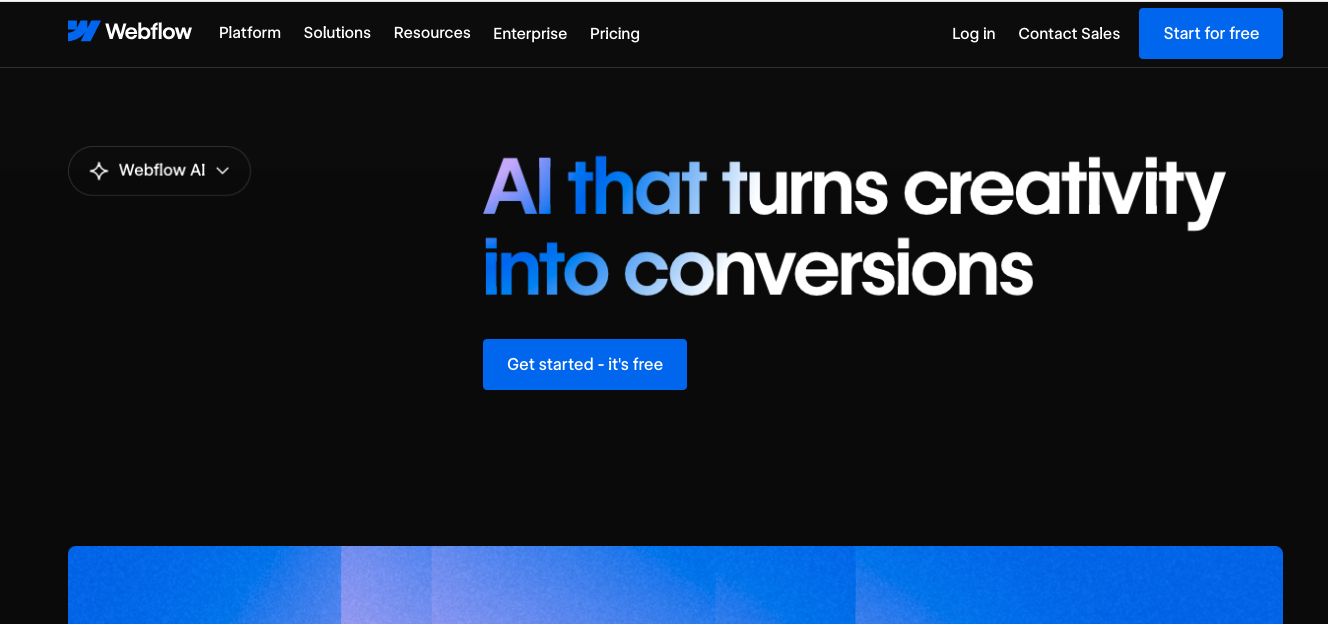
Webflow AI is the AI layer built into every Webflow plan, including the free Starter tier. It generates full pages, creates new sections that reuse your existing design system, drafts SEO and AEO suggestions, and can localize content into multiple languages.
- Key AI features: Prompt-to-site generation, AI-assisted CMS collection creation, sitewide SEO/AEO audits.
- SEO features: Native AEO agents that optimize content for AI search engines, alongside traditional on-page SEO controls.
- Pricing: Free Starter plan; paid Site plans and Workspace add-ons apply above that -confirm current tiers on Webflow’s own pricing page, as they’re revised often.
- Pros: Deep design control, exportable clean code, strongest CMS of any tool on this list.
- Cons: Steeper learning curve than Wix or Durable; the pricing structure (Site plan + Workspace + add-ons) takes time to understand.
- Best for: Startups, agencies, and product teams that want AI speed without giving up design flexibility.
2. Wix AI
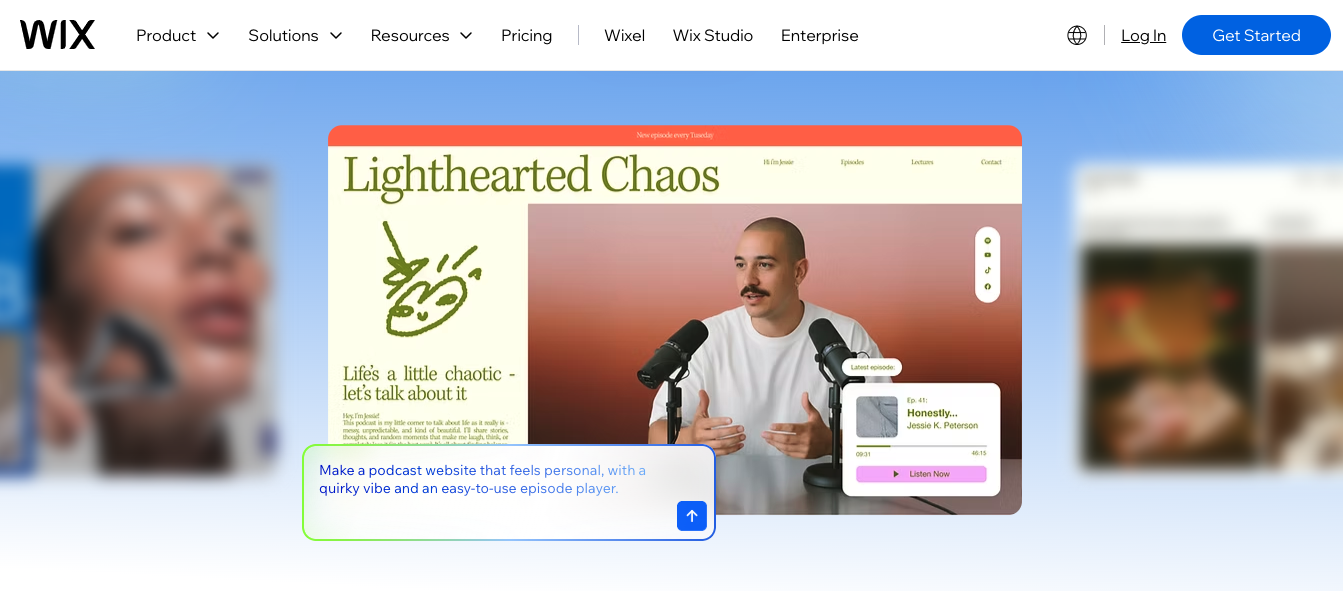
Wix’s AI Website Builder generates a complete, editable site from a conversational chat interface, then hands you a drag-and-drop editor with thousands of templates for fine-tuning.
- Key AI features: Conversational site generation, AI text and image tools, AI-powered marketing copy.
- SEO features: Built-in SEO wizard with guided setup — solid for beginners, less granular than Webflow’s toolset.
- Pricing: Free plan available; paid plans scale up from an entry-level tier to a top Business Elite tier, billed annually.
- Pros: Extremely beginner-friendly, huge app marketplace, strong free tier.
- Cons: No code export, template lock-in after publishing, and ecommerce transaction fees on lower tiers.
- Best for: First-time website owners and small businesses that value ease of use over deep customization.
3. Framer AI
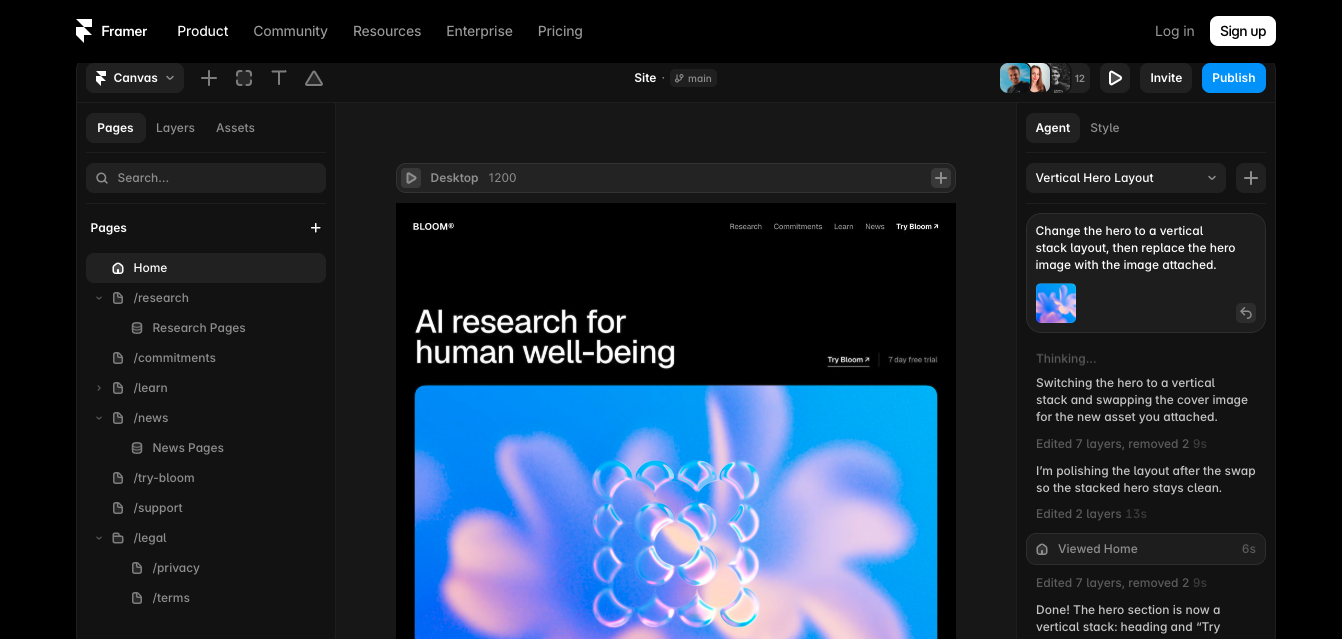
Framer built its reputation as a design tool before becoming a full AI website builder, and it shows. Its AI Wireframer generates page layouts from a prompt, while the visual editor gives designers Figma-level control over the final output.
- Key AI features: AI Wireframer for layout generation, AI-assisted content rewriting, built-in translation.
- SEO features: Solid fundamentals — clean code output and fast-loading static pages help organic performance, though SEO tooling is lighter than Webflow’s.
- Pricing: Free plan available; paid tiers scale from a basic entry plan up to a higher Scale plan, annual billing.
- Pros: Some of the strongest AI-generated visual output on this list, fast sites, strong for portfolios and landing pages.
- Cons: No native ecommerce, limited for content-heavy or highly dynamic sites. Teams that want this design quality with a fully custom build can also explore Uistudioz’s Custom Framer website design service.
- Best for: Startups and design-forward brands where visual polish drives conversions.
4. Shopify Magic
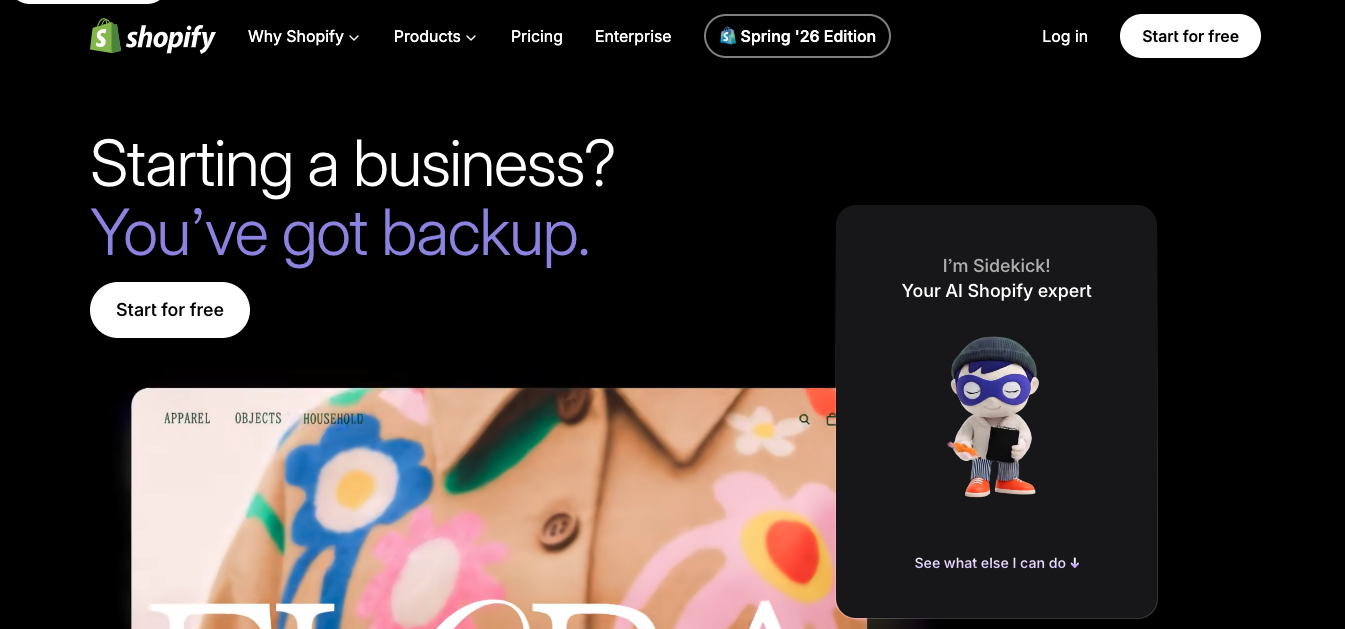
Shopify Magic is the free AI layer built into every Shopify plan. It’s not a standalone website builder — it’s an AI assistant for merchants already running (or starting) a Shopify store, generating product descriptions, marketing emails, and edited product images.
- Key AI features: AI product description generation, image background editing, Sidekick conversational assistant for store management.
- SEO features: Practical but merchant-focused — it helps with descriptions and metadata rather than full technical SEO.
- Pricing: Magic itself is free; a paid Shopify plan is required to use it.
- Pros: Deep ecommerce feature set, zero extra cost for the AI layer, strong catalog management for large stores.
- Cons: Not useful outside ecommerce; blog and long-form content generation is noticeably weaker than dedicated writing tools.
- Best for: Online stores that want AI assistance without leaving the Shopify ecosystem.
5. Hostinger AI Website Builder
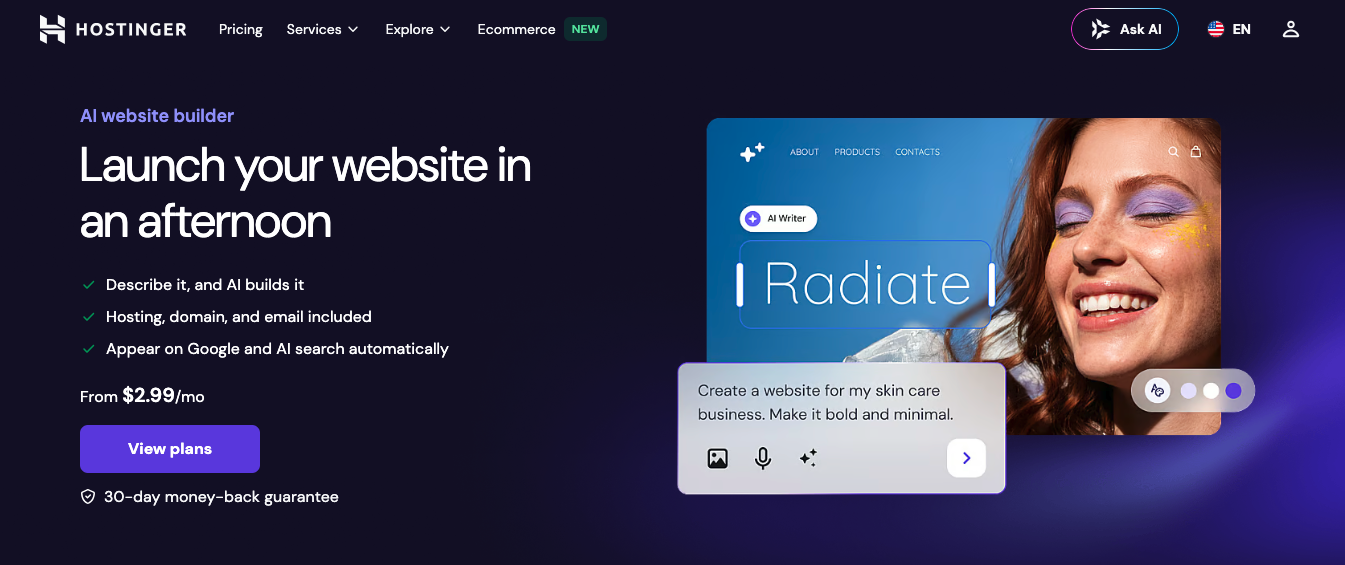
Hostinger pairs an aggressively low entry price with a genuinely capable AI generator — describe your business in a prompt, and it produces a multi-page site in under 30 seconds.
- Key AI features: AI page and section generator, AI image generator, AI writer, AI heatmap for design optimization.
- SEO features: Built-in SEO assistant covering the basics; not as deep as Webflow or Squarespace.
- Pricing: Among the lowest entry prices in this list on intro terms, renewing higher afterward.
- Pros: Unbeatable price-to-feature ratio, fast hosting, easy for beginners.
- Cons: Design output is less polished than Wix or Squarespace, and there’s no permanent free plan.
- Best for: Budget-conscious freelancers, bloggers, and small businesses launching their first site.
6. Uistudioz — Webflow Development for AI Companies
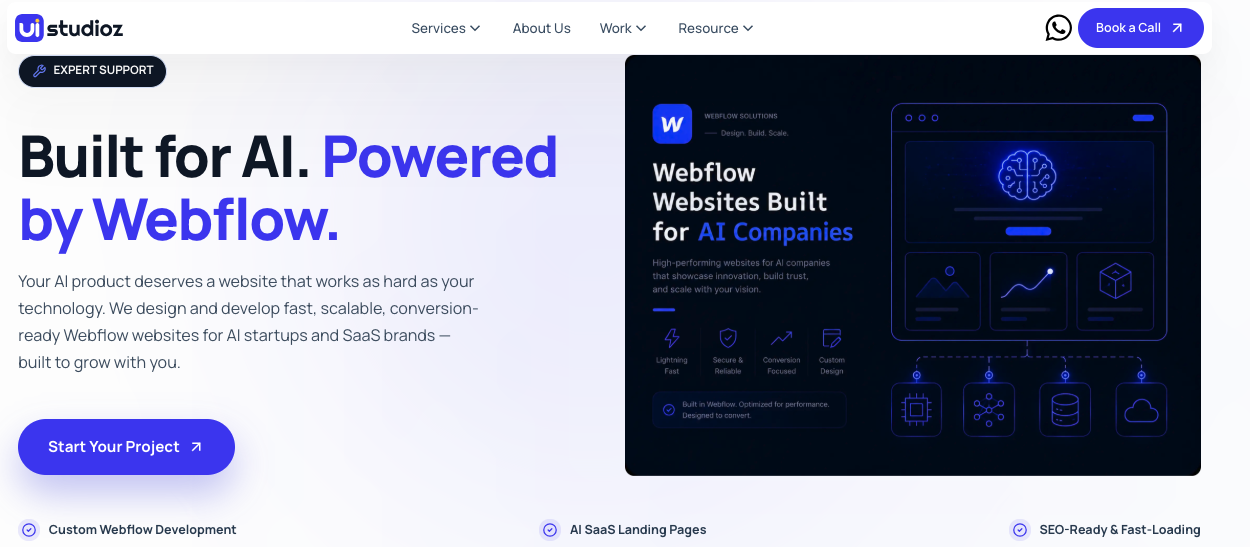
Worth a mention alongside the self-serve AI builders above: Webflow for AI Companies is Uistudioz’s core specialty — not a template-based tool, but a Webflow Development and design partner built specifically for AI startups and SaaS companies whose website needs to do more than the average AI-generated template can handle.
- Why it’s on this list: AI website builders are excellent for a quick landing page, but a funded AI company courting enterprise buyers or investors usually outgrows a templated site within months. Uistudioz builds on Webflow’s flexible, AI-assisted design system while adding the strategy, copywriting structure, and technical SEO that generic AI builders leave half-finished.
- Key features: Fully custom design (no template lock-in), Figma to Webflow conversion for teams with existing brand assets, CMS architecture built for scale, and ongoing Webflow SEO services rather than a one-time AI-generated meta tag.
- AI startup benefits: Structured for investor-facing storytelling, fast page-speed scores, and content architecture built for both traditional SEO and AI answer-engine visibility.
- Pros: Fully custom design, dedicated support team, built for scale and conversions, strong SEO foundation from day one.
- Cons: Not a same-day, self-serve launch — this is a partnership, not a template.
- Pricing: Custom quote based on scope — check our pricing page for more details.
- Best for: AI startups, SaaS companies, and agencies that need a website which performs as hard as their product does.
7. Squarespace Blueprint AI
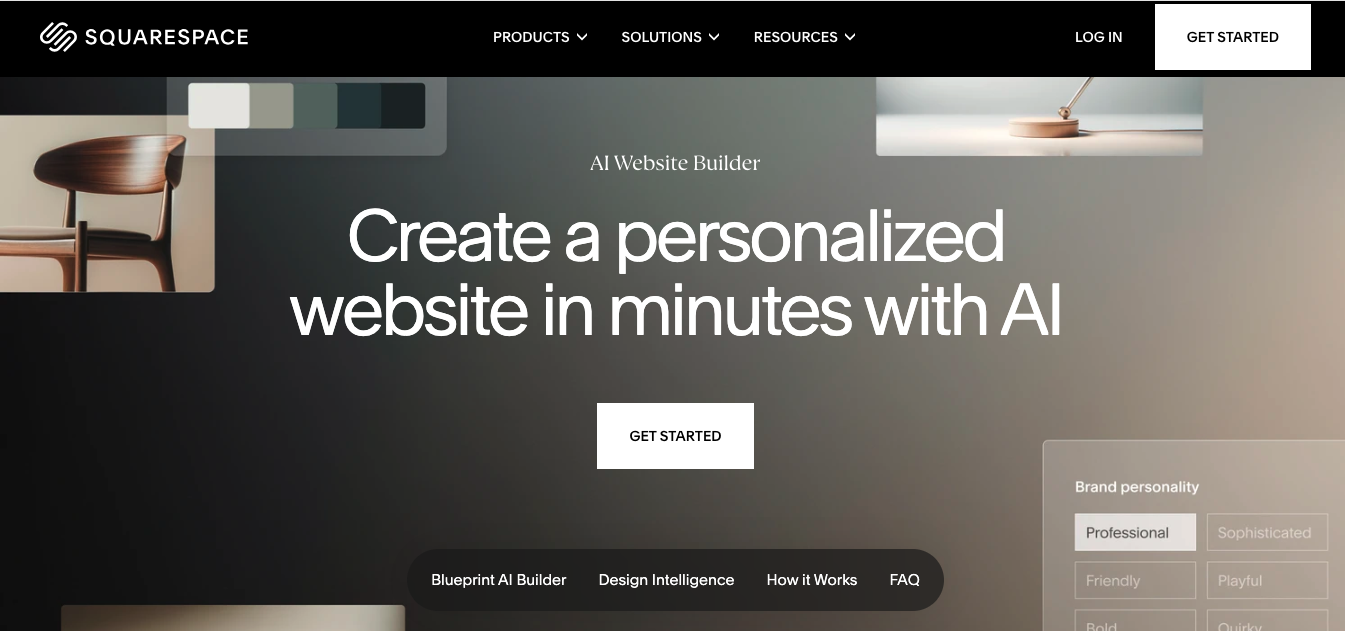
Squarespace Blueprint AI walks you through a guided interview about your business and aesthetic, then generates a fully designed site with copy, imagery, and layout already in place — a middle ground between a rigid template and a blank-prompt generator.
- Key AI features: Guided AI site generation, AI copy and SEO description drafting, AI alt-text for accessibility.
- SEO features: Strong on-page SEO structure and Google Search Console integration included on all plans.
- Pricing: No permanent free plan, but a 14-day trial is available; paid plans scale from a basic tier to a higher Advanced tier, billed annually.
- Pros: Some of the most visually polished output of any tool on this list, automatic mobile optimization, integrated email marketing.
- Cons: No code export, and template switching after launch requires a rebuild.
- Best for: Creative businesses and portfolios where design quality is the top priority.
8. 10Web AI Website Builder
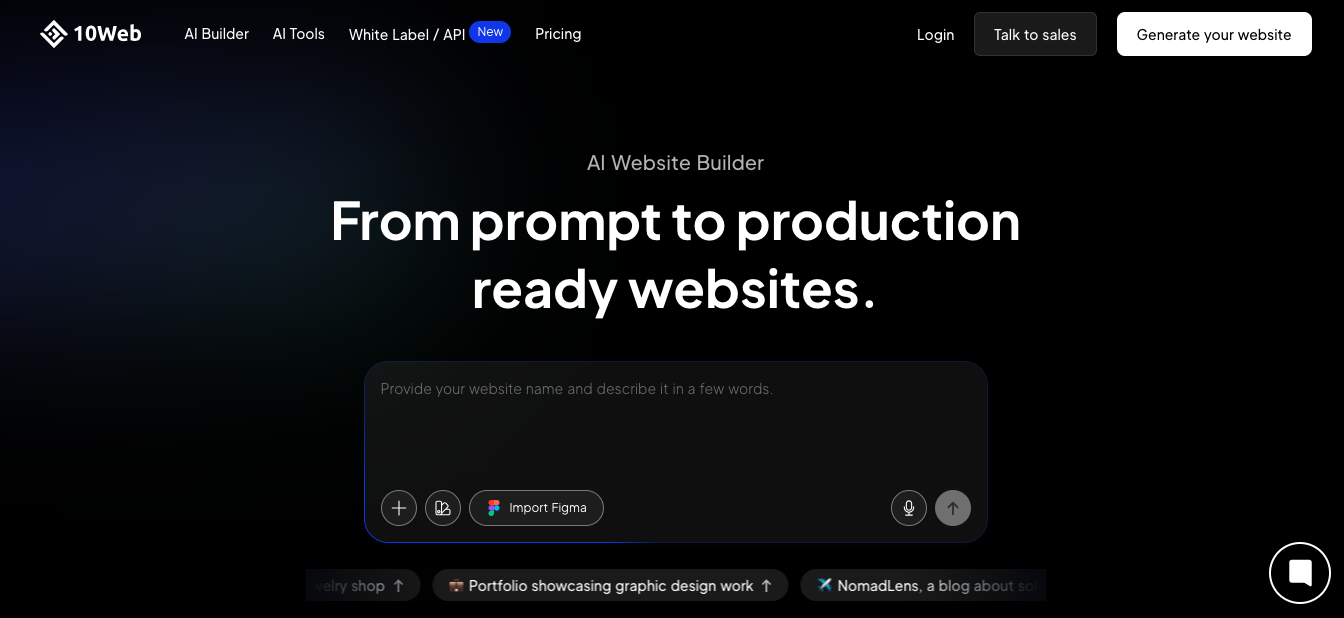
10Web generates a complete, production-ready WordPress site from a plain-language business description, then hosts it with a strong PageSpeed target out of the box. Its “Agentic Website Builder” adds specialized AI agents for ongoing SEO, content, and security management after launch.
- Key AI features: Full-site AI generation, AI Co-Pilot editing, post-launch autonomous SEO monitoring.
- SEO features: Genuinely strong — you get the full WordPress SEO plugin ecosystem plus 10Web’s own AI-driven audits.
- Pricing: A no-cost initial generation is typically followed by a short free trial before paid tiers kick in.
- Pros: True WordPress portability (no platform lock-in), fast cloud hosting, deep plugin ecosystem.
- Cons: You inherit WordPress’s usual maintenance overhead — plugin updates and security patching – even with AI managing some of it.
- Best for: Businesses that want AI speed but refuse to be locked into a proprietary platform.
9. Durable AI
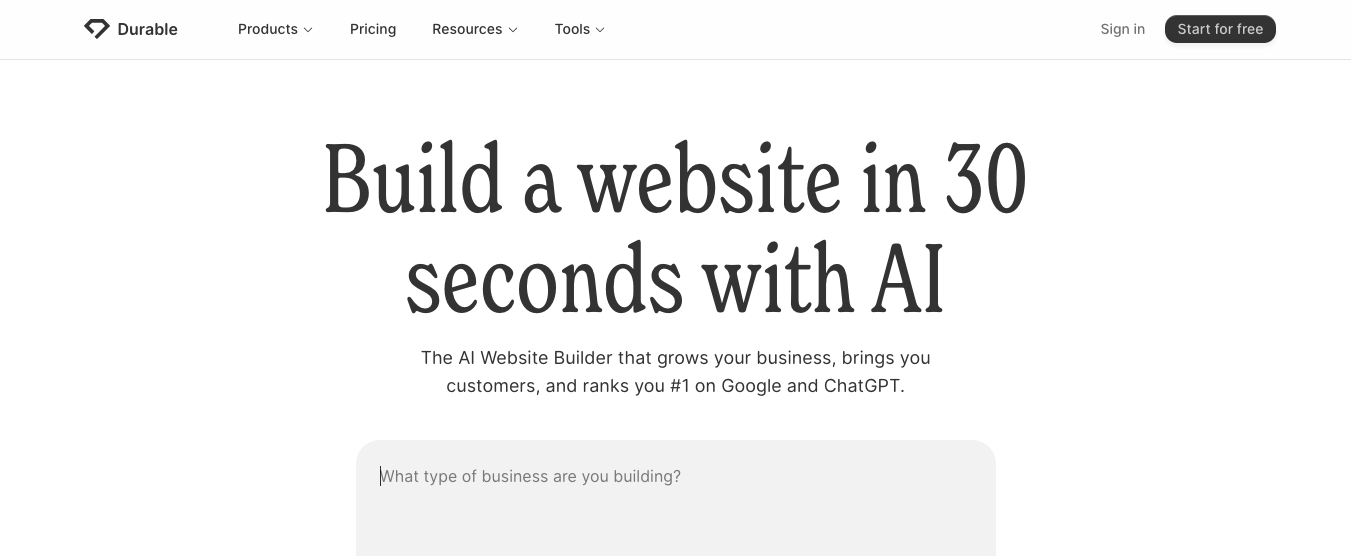
Durable’s entire pitch is speed: describe your business and get a complete, professional website in around 30 seconds, bundled with a lightweight CRM and invoicing tool.
- Key AI features: Instant full-site generation, AI Business Partner assistant, AI-written marketing content.
- SEO features: Basic — enough for a simple local business site, not built for competitive content marketing.
- Pricing: Free plan available; paid plans add team seats and marketing automation at higher tiers.
- Pros: Fastest generation of any tool tested, useful bundled business tools (CRM, invoicing), strong for service businesses.
- Cons: Limited design customization and no real ecommerce or blogging system.
- Best for: Solopreneurs and local service businesses (consultants, photographers, contractors) who need to get online today.
10. Elementor AI
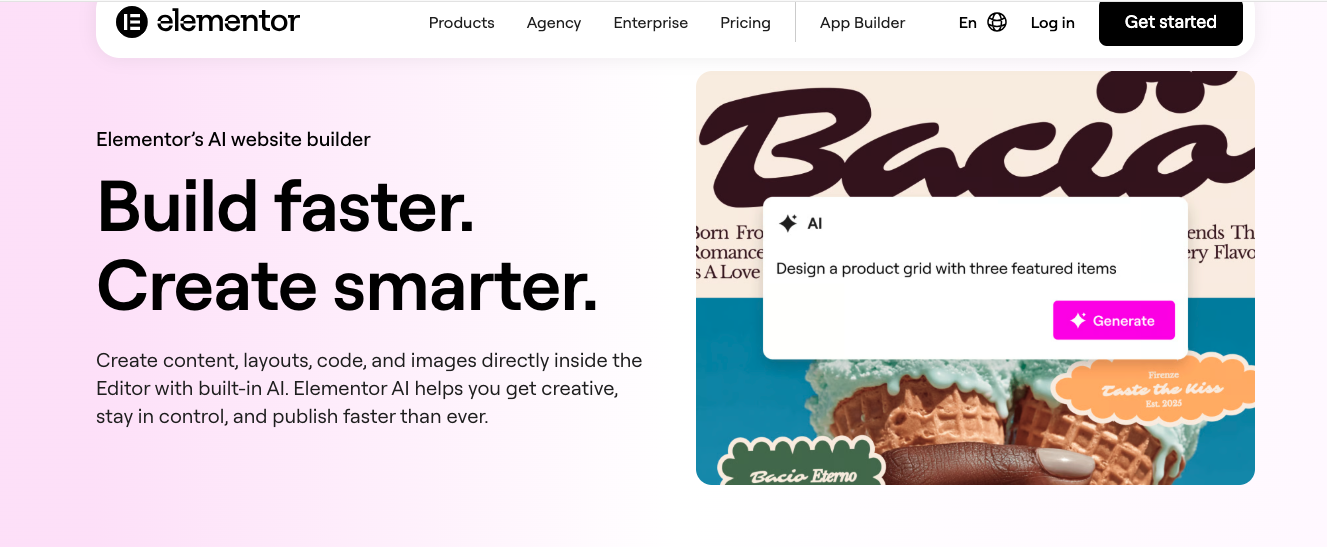
Elementor AI isn’t a separate website builder — it’s a generative AI layer added on top of the world’s most widely used WordPress page builder, covering text, images, custom code, and full-container layout generation.
- Key AI features: AI text, code, and image generation; AI Site Planner for full-site layouts; a broader assistant for site management tasks.
- SEO features: Depends on your WordPress SEO plugin stack, though Elementor’s clean output helps performance-driven SEO.
- Pricing: Elementor Pro is billed per site; AI access is a separate, credit-based subscription.
- Pros: Massive widget and template library, full WordPress ownership, works with existing WordPress sites.
- Cons: AI is metered by credits rather than flat-rate, which can get expensive for heavy users; AI-generated copy needs heavy editing.
- Best for: WordPress users who already have a site and want to bolt on AI generation rather than rebuild from scratch.
11. GoDaddy Airo
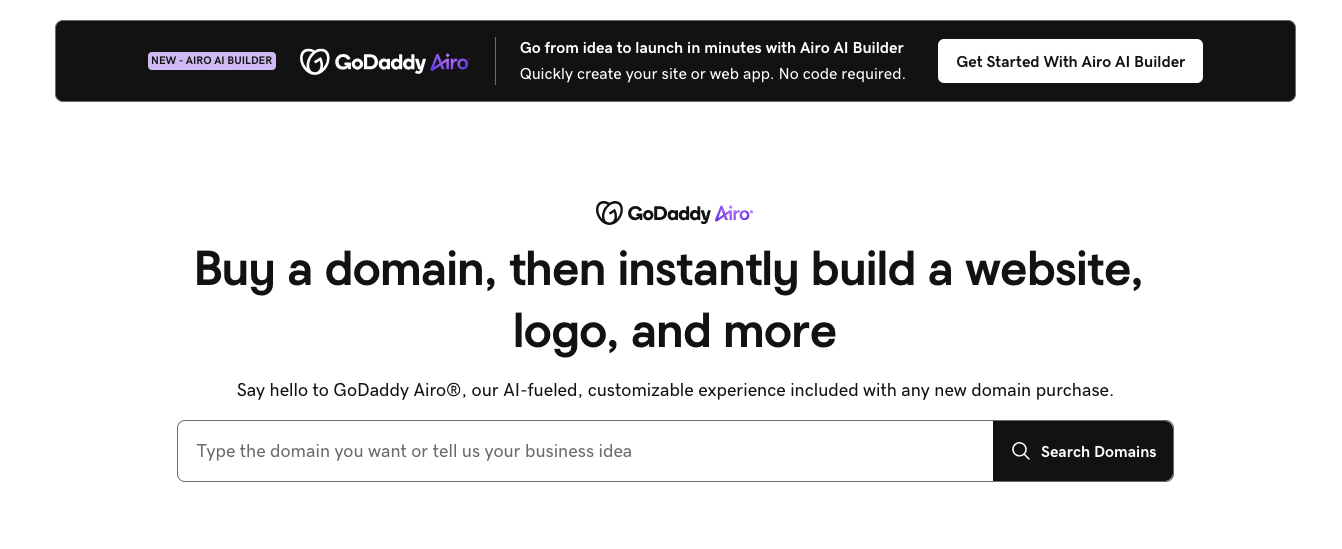
GoDaddy Airo bundles AI website generation with logo design, social post creation, and email marketing — built around the idea that a small business needs more than just a website to launch.
- Key AI features: Full-brand generation (name, logo, site) from one flow, AI social and email content, SEO Wizard.
- SEO features: Guided, step-by-step SEO suggestions per page — beginner-friendly rather than advanced.
- Pricing: A free-forever basic plan is available; paid plans typically start on low intro pricing that renews higher in year two.
- Pros: Genuinely all-in-one (domain, hosting, email, marketing), fastest path from “no brand” to “online presence.”
- Cons: Limited design flexibility once generated, and renewal pricing is a common complaint in user reviews.
- Best for: First-time entrepreneurs who need a domain, logo, and website in a single afternoon.
Who Should NOT Use an AI Website Builder
AI builders are a great fit for a first website, but they’re the wrong tool for certain projects. Skip an AI builder — and look at custom development instead — if you need:
- A SaaS product dashboard or logged-in user application, not just a marketing site
- Complex backend logic, custom workflows, or multi-step approval systems
- A marketplace or multi-vendor platform
- A membership or gated-content platform with custom permission tiers
- Enterprise-grade workflows that connect to internal tools and data systems
- A highly customized user interface that a template-based design system can’t express
For any of these, a self-serve AI builder will eventually hit a ceiling, and a Webflow for AI Companies build or fully custom development is the more durable investment.
Which AI Website Builder Is Right for You?
- Best for beginners: Wix AI or GoDaddy Airo — both hold your hand through the entire process.
- Best for small businesses: Squarespace Blueprint AI, for design quality that looks hired-out rather than templated.
- Best for AI startups: Webflow AI for a self-serve option, or a custom Webflow for AI Companies build when your website needs to do real commercial and investor-facing work.
- Best for SaaS companies: Webflow AI’s CMS depth makes it the strongest self-serve option for a growing SaaS marketing site; see our breakdown of Webflow for SaaS for what a scaled setup looks like.
- Best for ecommerce: Shopify Magic, since the AI layer is built directly into a mature commerce platform.
- Best for agencies: 10Web or Elementor AI for client sites on WordPress, or a white-label Webflow development partnership when you want to resell custom builds under your own brand.
- Best for WordPress users: 10Web for a fresh AI-generated build, Elementor AI if you already have an existing WordPress site.
- Best budget option: Hostinger AI Website Builder, by a wide margin.
Quick Decision Tree
- Need a website today? → Hostinger AI Website Builder
- Need an online store? → Shopify Magic
- Building a SaaS or AI product? → Webflow AI (self-serve) or Webflow for AI Companies (custom)
- Need a design-led portfolio or landing page? → Framer AI
- Already on WordPress? → Elementor AI
- Need an enterprise-ready, investor-facing site? → Custom Webflow development
AI Website Builders vs Traditional Website Development
| Factor | AI Website Builders | Traditional Development |
| Development speed | Minutes to hours | Weeks to months |
| Upfront cost | Low, monthly subscription | Higher, project-based |
| SEO depth | Basic to moderate | Fully customizable |
| Performance | Good, platform-dependent | Optimized for your specific use case |
| Customization | Limited to platform’s design system | Unlimited |
| Scalability | Caps out at platform limits | Built to scale with the business |
| Maintenance | Handled by the platform | Requires ongoing technical support |
AI builders win on speed and cost for a first website. Traditional development wins the moment your site needs to support serious growth, complex integrations, or a brand identity that doesn’t look like everyone else’s AI-generated template. For more on where this shift is heading, see our take on the future of no-code web development.
Pros & Cons at a Glance
| Builder | Pros | Cons |
| Webflow AI | Deep CMS, strong AEO/SEO | Steeper learning curve |
| Wix AI | Very beginner-friendly | Limited flexibility, no code export |
| Framer AI | Best-looking design output | Weak CMS, no ecommerce |
| Shopify Magic | Deep ecommerce tooling | Requires a paid Shopify plan |
| Hostinger AI | Lowest entry price | Less polished design |
| Squarespace Blueprint AI | Polished, guided design | No code export |
| 10Web | WordPress portability | Inherits WordPress maintenance |
| Durable AI | Fastest generation | Limited customization |
| Elementor AI | Full WordPress ownership | Credit-based AI pricing |
| GoDaddy Airo | All-in-one brand + site | Steep renewal pricing |
AI Website Builders vs Custom Webflow Development
This is a different comparison from the one above – it’s not “AI vs. no AI,” since Webflow itself has AI built in. It’s template-generated AI output versus a custom Webflow build that uses Webflow’s AI-assisted CMS as one tool among many, guided by an actual design and SEO strategy.
| AI Website Builder | Custom Webflow Development | |
| Design | Template-based | Fully custom |
| SEO | Basic, automated | Advanced, strategy-led |
| Integrations | Limited to built-in apps | Custom APIs and integrations |
| Setup | Quick | Scalable, long-term solution |
| Branding | Limited to template constraints | Brand-focused, investor-and-enterprise-ready |
For a landing page or an MVP, an AI builder is the right call — no argument there. But for AI startups and growing SaaS companies whose website is a core part of their sales and fundraising motion, a custom Webflow build — backed by real Webflow Integration services instead of a limited built-in app store — closes the gap between “looks fine” and “looks like a company worth betting on.”
How to Choose the Right AI Website Builder
Work through these factors before committing to a platform:
- Budget: Compare the real renewal price, not just the intro-year discount many platforms advertise.
- AI features: Test whether the AI actually generates unique content, or just fills a fixed template.
- SEO capabilities: Confirm the platform supports meta control, sitemap generation, and increasingly AEO structuring for AI search.
- Design flexibility: Check how much you can deviate from the default template before hitting a wall.
- CMS: If you plan to blog or publish regularly, test the content management experience before buying.
- Ecommerce: Confirm transaction fees and product limits if you’re selling online.
- Integrations: Verify the tools you already use (CRM, email, analytics) actually connect.
- Scalability: Ask what happens when you outgrow the starter plan – some platforms make migration painful.
- Customer support: Live chat quality varies wildly across these platforms; check recent reviews, not just marketing claims.
- Future growth: If you’re building for a startup that expects to scale fast, weigh whether a platform’s ceiling matches your ambition.
Common Mistakes to Avoid When Choosing an AI Website Builder
- Choosing based only on price. The cheapest plan often hides the highest total cost once add-ons and overage fees stack up.
- Ignoring SEO capabilities. A beautiful AI-generated site with weak SEO foundations won’t get found.
- Overlooking scalability. Some platforms make it genuinely difficult to migrate away later – check export options before you commit, not after.
- Choosing the wrong platform for your business type. An ecommerce-first tool and a portfolio-first tool solve different problems.
- Not considering integrations. If your CRM, email tool, or analytics platform doesn’t connect cleanly, you’ll end up doing manual work the AI was supposed to eliminate.
- Ignoring website performance. Slow-loading AI-generated sites hurt both user experience and search rankings.
Conclusion
There’s no single “best” AI website builder in 2026 — there’s a best fit for what you’re building. Webflow AI leads for teams that want AI speed without sacrificing design control. Wix AI is still the easiest on-ramp for total beginners. Shopify Magic remains the obvious choice for ecommerce. 10Web wins for anyone who wants AI generation without WordPress lock-in. And Hostinger AI Website Builder is nearly unbeatable on price for a first website.
Final recommendations:
- Best Overall: Webflow AI
- Best for Beginners: Wix AI
- Best for Ecommerce: Shopify Magic
- Best for WordPress: 10Web AI Website Builder
- Best Budget Option: Hostinger AI Website Builder
- Best Custom Solution for AI Companies: Uistudioz
If you’re an AI startup, SaaS company, or growing business that has outgrown what a template can offer — where your website needs to convert enterprise buyers, support investor due diligence, or carry serious organic SEO weight — a self-serve AI builder will eventually hit its ceiling. That’s exactly the gap a custom Webflow for AI Companies build is designed to close.
The right AI website builder depends on your long-term goals: if you need speed, an AI builder is a great starting point; if your website is a core business asset that must support growth, advanced SEO, and complex user journeys, investing in a custom Webflow solution delivers greater long-term value. You can browse recent projects in our portfolio, or contact us to talk through what your website actually needs to do for your business.
Frequently Asked Questions
What is the best AI website builder?
It depends on your goal. Webflow AI offers the strongest balance of AI speed and design control for growing businesses, while Wix AI is best for complete beginners.
Which AI website builder is best for beginners?
Wix AI and GoDaddy Airo are the most beginner-friendly, both using conversational, guided setups that require no design experience.
Are AI website builders good for SEO?
Most cover the fundamentals — meta tags, mobile responsiveness, basic structure — but competitive SEO still requires human strategy, content depth, and ongoing optimization that generic AI tools don’t provide out of the box.
Which AI website builder is best for ecommerce?
Shopify Magic, since it’s built directly into a mature ecommerce platform rather than bolted onto a general-purpose site builder.
Can AI website builders rank on Google?
Yes, with the right setup. Most platforms handle basic technical SEO out of the box, but ranking competitively still depends on content quality, site speed, and a real SEO strategy layered on top.
Which AI builder is best for SEO?
Webflow AI and Squarespace Blueprint AI currently offer the strongest built-in SEO tooling among the self-serve options in this list.
Are AI website builders secure?
Reputable platforms handle hosting security, SSL, and updates on your behalf. Risk mostly comes from third-party app integrations and how carefully you manage account access, not the AI layer itself.
Which AI builder has the best CMS?
Webflow AI, by a clear margin — its CMS supports custom collections, dynamic content, and structured data that most competitors don’t offer at the same depth.