Your website is often the first conversation you have with potential customers. If that first impression is slow, confusing, or visually outdated, they won’t stick around—and they definitely won’t convert.
User experience (UX) isn’t just about aesthetics; it’s about how smoothly visitors can navigate your site, how quickly it loads, and how naturally it guides them toward taking action. Strong UX directly impacts engagement metrics like session duration, bounce rate, and ultimately, conversions. Whether you run a startup, a SaaS business, or an enterprise brand, how Webflow improves user experience can be the difference between a forgettable site and one that drives real business results.
Businesses are increasingly choosing Webflow because it combines design freedom, clean code, and performance optimization—all without requiring heavy development. In this blog, we’ll explore Webflow UX design benefits, how it boosts engagement, and why it’s a powerful platform for building modern, conversion-focused websites.
What Is Webflow?
Understanding the Webflow Platform
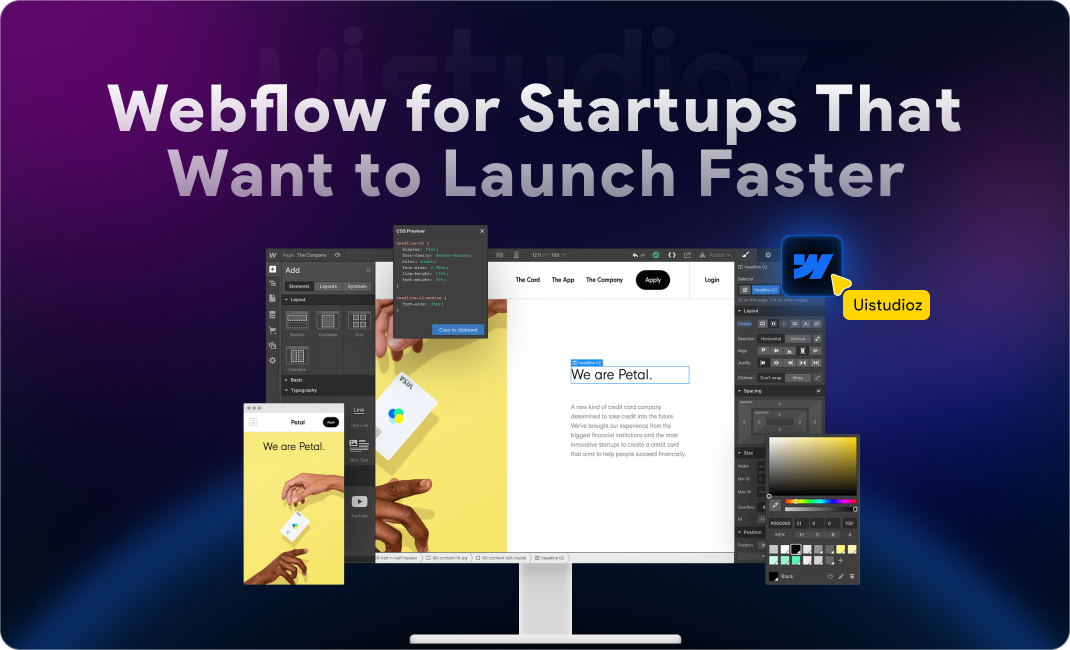
Webflow is a no-code visual development platform that empowers designers and businesses to create professional, custom websites without writing code. It combines:
- Visual design editor – Build pixel-perfect layouts using a drag-and-drop interface
- CMS (Content Management System) – Manage dynamic content like blogs, case studies, and portfolios
- Hosting infrastructure – Fast, secure, and scalable hosting built into the platform
- Clean semantic code – Automatically generated HTML, CSS, and JavaScript that’s developer-friendly
This makes Webflow especially popular among SaaS companies and startups that need beautiful, high-performing websites without the overhead of traditional development.
Why Webflow Stands Out From Traditional Website Builders
Unlike WordPress or Wix, Webflow offers:
- Cleaner code structure – No bloated plugins or messy shortcuts
- Better design flexibility – Full control over layout, spacing, and animations
- Faster development workflows – Changes happen in real-time without back-and-forth with developers
- Built-in responsiveness – Every element is optimized across devices from the start
This makes Webflow website performance and UX superior to most alternatives, especially when speed and modern design are priorities.
Why User Experience Is Important for Website Success
How UX Impacts Engagement and Conversions
Good UX doesn’t just make your site look nice—it changes how users behave:
- Reduces bounce rate – Visitors stay longer when navigation is intuitive
- Increases session duration – Engaging design keeps users exploring
- Builds customer trust – Professional, smooth experiences signal credibility
- Drives leads and sales – Clear pathways to conversion mean more sign-ups, purchases, or inquiries
When you invest in Webflow user experience best practices, you’re not just improving design—you’re directly improving ROI.
Common UX Problems Businesses Face
Even well-meaning websites often struggle with:
- Slow-loading pages that frustrate mobile users
- Poor mobile experience with cramped text or broken layouts
- Confusing navigation that hides important information
- Cluttered layouts that overwhelm instead of guide
- Inconsistent branding that undermines trust
These issues are where Webflow website usability improvements shine. The platform is designed to solve these problems from the ground up.
How Webflow Design Improves User Experience and Engagement
1. Fast Website Performance
Why Website Speed Matters
Site speed is one of the top factors influencing both SEO rankings and user retention. 53% of mobile users abandon sites that take longer than 3 seconds to load. Slow sites also rank lower in Google’s search results, reducing organic traffic.
How Webflow Improves Speed
Webflow delivers Webflow website speed optimization through:
- Clean semantic code – No unnecessary scripts or bloated CSS
- Fast hosting infrastructure – Built on AWS with global CDN (Content Delivery Network)
- Optimized assets – Automatic image compression and lazy loading
- Core Web Vitals optimization – Designed to score high on Google’s performance metrics
This means Webflow fast loading websites outperform most WordPress or custom-coded alternatives right out of the box.
2. Mobile-Responsive Design
Importance of Mobile UX
Over 60% of web traffic comes from mobile devices. Google also uses mobile-first indexing, meaning your mobile experience directly affects your SEO rankings.
Webflow’s Responsive Design Capabilities
With Webflow, you get:
- Custom breakpoints – Design for desktop, tablet, and mobile independently
- Device-specific optimization – Adjust layouts, font sizes, and spacing per screen size
- Consistent experience across screens – No broken layouts or hidden content
This makes Webflow mobile responsive UX a standout feature, ensuring every visitor has a smooth experience regardless of device.
3. Clean and Modern Visual Design
First Impressions Matter
Users judge your website in less than 50 milliseconds. Elements like:
- Visual hierarchy – Guiding attention to key content
- White space usage – Reducing cognitive load
- Modern UI patterns – Signaling professionalism and trustworthiness
…all influence whether visitors stay or leave.
How Webflow Helps Create Engaging Interfaces
Webflow gives you:
- Advanced layout control – Flexbox and CSS Grid built into the visual editor
- Smooth animations – Add polish without sacrificing performance
- Interactive design elements – Tabs, accordions, sliders, and more
This is why Webflow UI UX design services are in high demand—designers can create visually engaging Webflow websites without limitations.
4. Better Navigation and User Flow
Why Navigation Is Critical for UX
If users can’t find what they’re looking for in two clicks, they’ll leave. Good navigation:
- Optimizes the user journey from landing to conversion
- Reduces friction by making key pages easy to access
Webflow Features That Improve Navigation
Webflow enables:
- Sticky navigation – Keeps menus accessible as users scroll
- Mega menus – Organize complex site structures visually
- CMS-powered navigation systems – Dynamically update menus based on content
These tools support Webflow navigation best practices, ensuring users always know where they are and where to go next.
5. Interactive Animations and Microinteractions
How Interactions Increase Engagement
Subtle animations and interactions:
- Keep users interested – Movement draws attention and creates delight
- Improve storytelling – Reveal content progressively for better narrative flow
Webflow Interaction Features
Webflow offers powerful built-in tools like:
- Scroll animations – Trigger effects as users scroll down
- Hover effects – Highlight clickable elements
- Dynamic transitions – Smooth page or section changes
- Interactive CTAs – Buttons that respond to user behavior
This is where Webflow animation and user engagement truly stand out. You can create custom animations in Webflow without touching code, adding personality and polish to every page.
6. SEO-Friendly Design Structure
UX and SEO Work Together
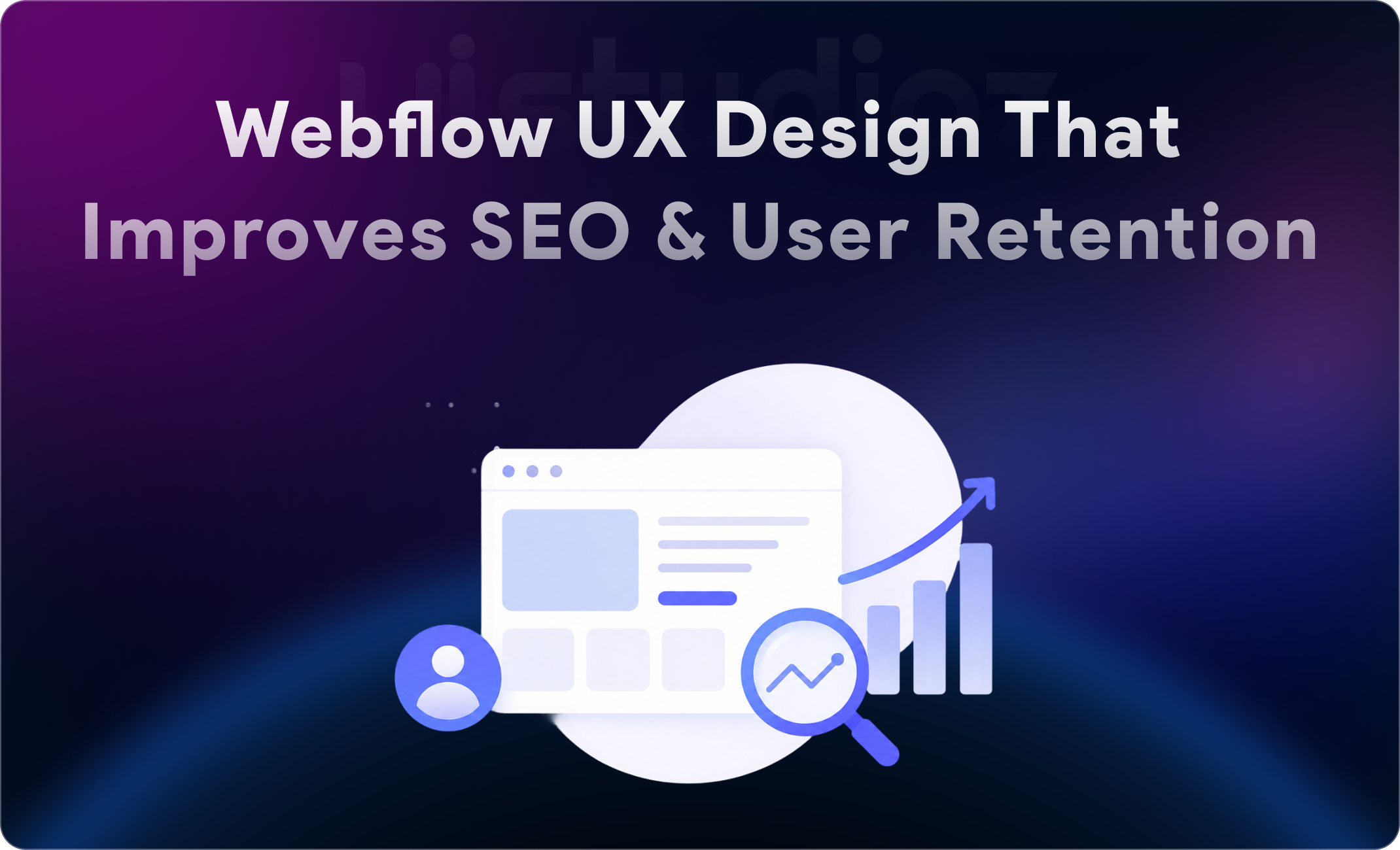
Good UX leads to better engagement metrics (low bounce rate, high time on page), which Google rewards with higher rankings. But technical SEO also matters.
Webflow SEO Advantages
Webflow is built with SEO in mind:
- Clean HTML structure – Semantic tags improve crawlability
- Fast-loading pages – Speed is a direct ranking factor
- Meta customization – Full control over titles, descriptions, and Open Graph tags
- Schema support – Add structured data for rich search results
This makes Webflow SEO and user experience a powerful combination. You can read more about optimizing Webflow sites in our guide on AI and Webflow integration.
7. Content Management Made Easy
Why Easy Content Updates Matter
Regularly updated content:
- Improves engagement – Fresh blogs, case studies, and resources keep users coming back
- Boosts SEO – Google favors sites that publish new content
Webflow CMS Benefits
Webflow’s CMS is intuitive and powerful:
- Dynamic content collections – Create templates for blogs, portfolios, team pages, etc.
- Easy blog management – Publish, edit, and schedule posts without a developer
- Scalable website structure – Add hundreds of pages without performance issues
This is why Webflow CMS user experience is a favorite among marketers and content teams.
8. Accessibility and Inclusive Design
Importance of Website Accessibility
Accessible websites:
- Provide a better experience for all users, including those with disabilities
- Improve SEO – Google values accessible, semantic markup
Webflow Accessibility Features
Webflow supports:
- Semantic elements – Proper use of headings, landmarks, and ARIA labels
- Alt text support – Easy to add descriptive text for images
- Keyboard navigation improvements – Ensure all interactive elements are accessible
Investing in Webflow website accessibility improvements not only broadens your audience but also signals quality and care to search engines.
Webflow for SaaS, Startups, and Businesses
Why SaaS Companies Prefer Webflow
SaaS businesses need:
- Faster iterations – Launch MVPs and test landing pages quickly
- Better landing pages – High-converting designs tailored to specific campaigns
- Conversion-focused design – Built-in tools for A/B testing and optimization
This is why Webflow design for SaaS companies and best Webflow agency for SaaS are common search queries. Platforms like Uistudioz specialize in helping SaaS brands scale with Webflow SaaS conversion optimization.
Benefits for Startups and Growing Brands
Startups benefit from:
- Scalable websites – Grow from 5 pages to 500 without rebuilding
- Easier maintenance – Non-technical teams can update content
- Reduced development dependency – Designers can ship changes independently
This makes Webflow startup website design and Webflow design for startups ideal for lean teams with big ambitions.
Webflow vs Traditional Development for UX
Webflow vs WordPress
| Feature | Webflow | WordPress |
| Design flexibility | Full visual control | Theme-dependent |
| Performance | Fast by default | Plugin-heavy, often slow |
| Plugin dependency | Minimal | High |
| Maintenance | Automatic updates | Manual plugin/theme updates |
Webflow vs WordPress user experience is clear: Webflow delivers cleaner, faster, and more reliable UX without the maintenance headaches.
Webflow vs Custom Development
| Feature | Webflow | Custom Code |
| Speed of launch | Days to weeks | Months |
| Cost efficiency | More affordable | Expensive |
| Easier updates | Non-developers can edit | Requires developer |
For most businesses, Webflow website development company partnerships offer the best balance of speed, cost, and quality.
Best Practices for Creating High-Engagement Webflow Websites
UX Best Practices
- Clear CTA placement – Make next steps obvious
- Consistent typography – Limit fonts to 2–3 for readability
- Fast loading speed – Optimize images and avoid heavy scripts
- Minimalistic layouts – Focus attention on what matters
- Mobile optimization – Test on real devices, not just emulators
Engagement Optimization Tips
- Interactive sections – Use scroll animations and hover effects
- Personalized experiences – Tailor content based on user behavior
- Strong visual storytelling – Use images, videos, and motion to guide users
These principles define Webflow user experience optimization and Webflow design for better engagement.
Common Mistakes to Avoid in Webflow Design
Even experienced designers can stumble. Watch out for:
- Overusing animations – Too much motion distracts and slows performance
- Poor mobile optimization – Always design mobile-first
- Complicated navigation – Keep menus simple and intuitive
- Ignoring accessibility – Add alt text, ARIA labels, and keyboard support
- Large unoptimized media files – Compress images and lazy load videos
Avoiding these pitfalls ensures your Webflow website engagement optimization stays on track.
Future of UX Design With Webflow
Emerging Trends
The future of Webflow design trends 2026 includes:
- AI-driven personalization – Tailor experiences based on user data
- Advanced interactions – More complex animations and state-driven UI
- Headless Webflow experiences – Use Webflow as a CMS with custom frontends
- Voice and accessibility improvements – Better support for assistive technologies
Staying ahead means partnering with a Webflow design agency for UX like Uistudioz that understands both current best practices and emerging trends.
Final Thoughts: Why Webflow UX Design Matters
Webflow isn’t just a website builder—it’s a platform designed to deliver modern Webflow website experience, fast performance, and scalable design. From Webflow website speed optimization to Webflow interactive website design, every feature is built to improve engagement and conversions.
Investing in Webflow user experience best practices means:
- Faster load times that keep users engaged
- Mobile-responsive layouts that work everywhere
- SEO-friendly structure that drives organic traffic
- Accessible, inclusive design that reaches more people
- Conversion-focused layouts that turn visitors into customers
Whether you’re a startup, SaaS company, or established brand, benefits of Webflow for UX design are clear. It’s faster to launch, easier to maintain, and delivers better results than traditional platforms.
Ready to elevate your website experience? Explore our Webflow design services or learn how we help clients in our Webflow client handover process.
FAQs
Is Webflow good for user experience?
Yes. Webflow is specifically designed to deliver fast, mobile-responsive, and visually engaging websites. Its clean code, built-in SEO tools, and powerful design flexibility make it one of the best platforms for modern UX.
How does Webflow improve engagement?
Webflow improves engagement through fast loading speeds, interactive animations, responsive design, and intuitive navigation. These features keep users on your site longer and guide them toward conversion actions.
Is Webflow better than WordPress for UX?
For most use cases, yes. Webflow offers cleaner code, faster performance, and fewer plugin dependencies, resulting in a more reliable and polished user experience compared to WordPress.
Does Webflow improve SEO and conversions?
Absolutely. Webflow’s clean HTML structure, fast hosting, and customizable meta tags improve SEO. Its design flexibility and CRO-friendly features like A/B testing and clear CTAs also boost conversions.
Why do SaaS companies prefer Webflow?
SaaS companies value Webflow for its speed, scalability, and ability to create high-converting landing pages quickly. It’s ideal for iterative testing and optimizing user journeys without heavy development.
Can Webflow websites load faster than traditional websites?
Yes. Webflow’s clean code, global CDN, and automatic image optimization ensure fast load times—often faster than WordPress or custom-coded sites bogged down by plugins or inefficient code.
Is Webflow mobile responsive?
Yes. Every Webflow site is responsive by default, with custom breakpoints that let you optimize layouts for desktop, tablet, and mobile independently.
How does Webflow help modern website design?
Webflow combines visual design freedom with modern web standards like Flexbox, CSS Grid, and custom animations. This allows designers to create modern Webflow website design that looks professional and performs flawlessly.