You have exactly 0.05 seconds to make a first impression online.
In that blink of an eye, your website visitor has already decided whether your business looks credible—or sketchy. They’ve judged your professionalism, your attention to detail, and whether they should stay or click away to a competitor.
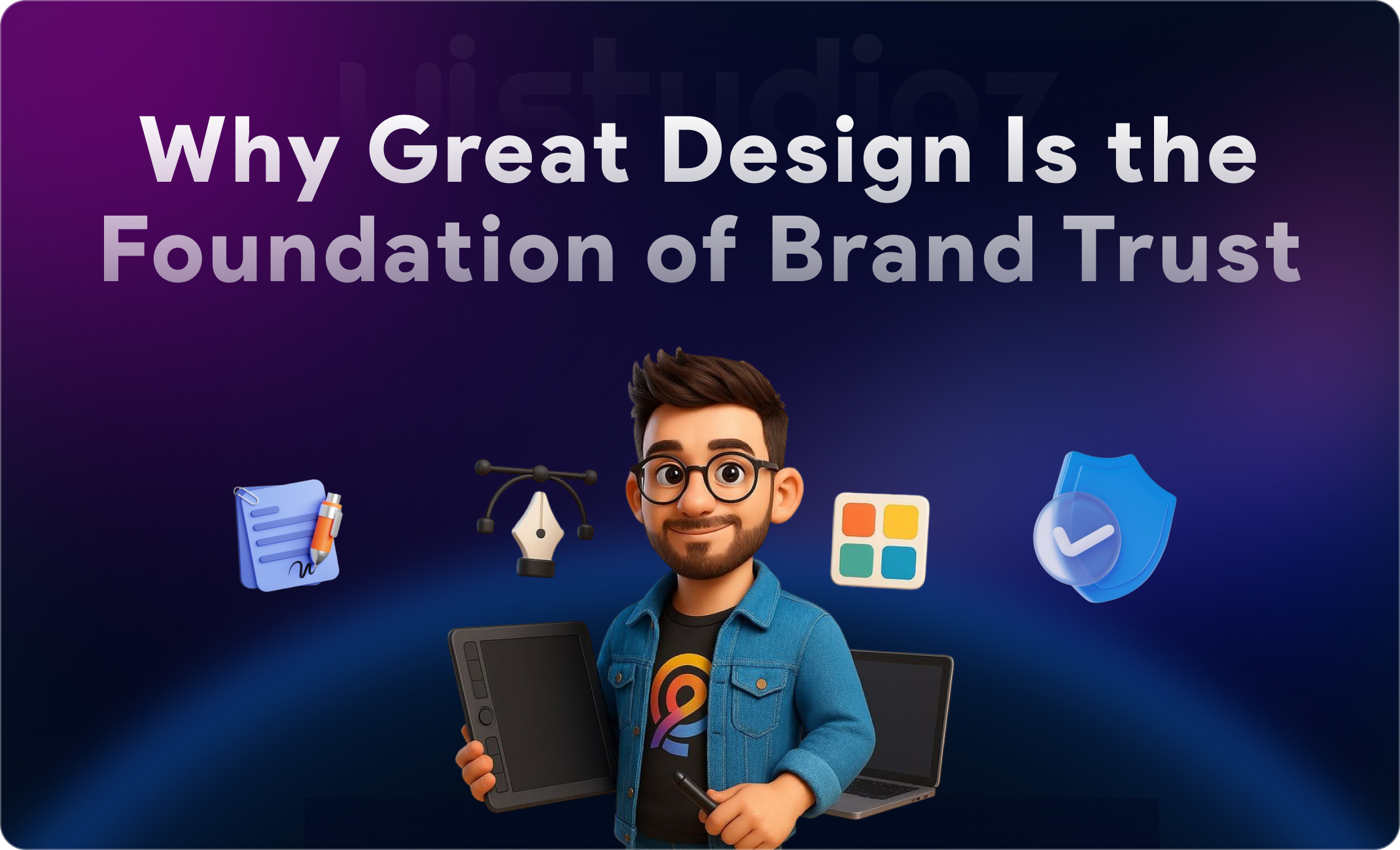
This is where website design brand trust plays a critical role.
Here’s the uncomfortable truth: a poorly designed website doesn’t just look bad—it destroys trust before you even get a chance to explain what you do.
And lost trust means lost revenue.
In this guide, we’ll explore how website design brand trust impacts online credibility, unpack the psychology behind user perception, and show you exactly how to design a trustworthy website that converts visitors into loyal customers.
Whether you’re a startup founder, a marketing director, or a business owner wondering why website design is important for branding, you’re about to discover how design becomes your silent salesperson—building authority, confidence, and conversions 24/7.
Why Brand Trust Matters in the Digital Age
Let’s start with a fundamental question: why website credibility matters more than ever.
Unlike a physical store where customers can walk in, shake your hand, and see your operation firsthand, your website is often the only interaction a potential customer has with your business before deciding to buy.
Trust is the foundation of online conversions.
Consider this: 75% of users admit to making judgments about a company’s credibility based solely on their website design (Stanford Web Credibility Research). If your site looks outdated, cluttered, or unprofessional, visitors assume your business is too.
And here’s the kicker—competition is one click away.
If your website doesn’t immediately signal trustworthiness, your visitor will bounce to a competitor who does. This impacts:
- Bounce rates (visitors leaving immediately)
- Engagement metrics (time on site, pages visited)
- Conversion rates (from visitor to lead or customer)
- Customer lifetime value (retention and loyalty)
The importance of website design for trust isn’t just aesthetic—it’s financial. When users trust you, they stay longer, engage deeper, and buy more confidently.
How Website Design Directly Influences Trust
Now let’s dig into the specifics: how does website design build trust with users?
First Impressions Are Visual
Research from Google shows users form aesthetic judgments in as little as 50 milliseconds—that’s 0.05 seconds (Nature study).
Before reading a single word, visitors have already processed:
- Color scheme
- Layout structure
- Image quality
- White space usage
- Overall visual balance
Clean vs. cluttered design impact is immediate:
Clean design signals organization, professionalism, and attention to detail
Cluttered design creates confusion, overwhelm, and suspicion
This split-second judgment determines whether visitors will invest time learning about your offer or abandon ship.
This is precisely why website design builds trust—it’s your digital handshake before the conversation even begins.
Design Reflects Professionalism
Think about the last time you landed on a website with a design straight out of 2005—flashing banners, Comic Sans font, and pixelated logos.
What did you think?
“If they can’t update their website, how can they deliver quality service?”
That’s the connection users make. Outdated design = outdated business perception.
Modern, thoughtful design builds authority because it demonstrates:
- Investment in your business presentation
- Awareness of current industry standards
- Respect for user experience
- Commitment to quality
This is how design influences user trust at a foundational level—it proves you’re serious, current, and professional.
Consistency Builds Familiarity
Trust factors in website design include predictability.
When your branding is consistent—same colors, fonts, logo placement, tone of voice—across every page and touchpoint, you create familiarity.
And familiarity breeds trust.
Think of major brands like Apple or Nike. You instantly recognize their design language, which reinforces reliability. Your website should do the same:
- Consistent color palette aligned with your brand identity
- Typography that remains uniform across pages
- Visual style that doesn’t shift randomly
- Predictable navigation structure
Consistent branding and trust work together. When users can predict where to find information and how your site behaves, they feel in control—and user trust and website experience improve dramatically.
If you’re looking to refresh your brand presentation, check out our guide on how to redesign your website.
Key Website Design Elements That Build Trust
Now for the actionable part: what design elements build customer trust? Let’s break down the specific components that signal credibility.
Clean & Minimal Layout
Clean design and brand trust go hand-in-hand.
Minimalism isn’t just a trend—it’s a trust signal. When your layout is uncluttered:
- Information is easier to digest
- Key messages stand out
- Users feel less overwhelmed
- Professionalism is communicated
Visual hierarchy and trust work together here. A clear hierarchy (headlines → subheadings → body text) guides the user’s eye and builds confidence that you’ve thoughtfully organized information.
Clean website design benefits include:
- Higher engagement rates
- Lower cognitive load
- Improved message retention
- Stronger perceived credibility
Mobile-Friendly & Responsive Design
Over 60% of web traffic now comes from mobile devices.
If your site doesn’t work seamlessly on smartphones, you’re signaling one of two things:
- You don’t care about user experience
- Your business is behind the times
Both destroy trust instantly.
Mobile-friendly design trust factor is non-negotiable. When users experience:
- Text they have to pinch and zoom to read
- Buttons too small to tap accurately
- Horizontal scrolling nightmares
- Broken layouts on mobile
…they leave. Immediately.
Responsive design and credibility are inseparable. A site that adapts beautifully to any screen size shows you respect your users’ time and preferences.
Learn more about creating mobile-first experiences in our article on how to design a mobile app.
Fast Loading Speed
Does website speed affect trust?
Absolutely.
A 1-second delay in page load time can reduce conversions by 7% (Akamai research).
Here’s why website speed and trust are connected:
- Slow sites feel unreliable (if they can’t load quickly, can they handle transactions?)
- They suggest outdated infrastructure (poor hosting, unoptimized code)
- They create frustration (the opposite of a positive brand experience)
Website usability and trust directly correlate with speed. Fast-loading sites communicate:
- Technical competence
- Respect for user time
- Modern infrastructure
- Reliability
Optimize images, leverage browser caching, use a CDN, and choose quality hosting. These aren’t just technical improvements—they’re trust-driven web design strategies.
Clear Navigation
Imagine walking into a store where you can’t find the checkout, the product categories are randomly organized, and there’s no staff to help.
You’d leave.
The same applies online. Website usability and trust hinge on intuitive navigation.
Clear navigation should:
- Use familiar labels (“About,” “Services,” “Contact” instead of clever, vague terms)
- Limit menu items (7 or fewer for optimal cognitive processing)
- Include a visible search function for larger sites
- Provide breadcrumbs for deeper pages
When users can find information easily, they trust that you value their experience. Confusion breeds suspicion.
Security Signals
Secure website design importance cannot be overstated.
These are the trust signals in UI design that immediately reassure users their data is safe:
HTTPS and User Trust
That little padlock in the browser address bar?
It’s a massive trust indicator.
HTTPS and user trust are directly linked because:
- Google flags non-HTTPS sites as “Not Secure”
- Users are educated about SSL certificates
- Payment processors require HTTPS
- It proves you’ve taken basic security measures
HTTPS importance for websites goes beyond encryption—it’s a fundamental credibility signal. If you’re still on HTTP, you’re actively damaging trust.
Trust Badges and Security Seals
Display recognizable security badges near:
- Contact forms
- Checkout pages
- Login areas
Examples include:
- Norton Secured
- McAfee Secure
- BBB Accredited Business
- Industry-specific certifications
Trust badges website design should be subtle but visible—don’t overdo it or it looks suspicious.
High-Quality Visuals
Stock photos of unrealistically happy people in generic office settings?
Users spot them instantly—and trust drops.
Visual design and user perception are intimately connected. Authentic, high-quality images:
- Showcase real team members
- Display actual products/work
- Reflect genuine customer experiences
- Align with your brand aesthetic
Professional website layout trust includes investing in:
- Custom photography
- Professional graphic design
- Thoughtful iconography
- Branded visual elements
Generic visuals communicate that you took shortcuts. Custom visuals show you’re invested in your brand presentation.
For expert design execution, explore our website design services or our specialized Webflow design solutions.
Social Proof
Testimonials and website trust work because humans are social creatures who look to others when making decisions.
What makes a website trustworthy? Evidence that others have trusted you successfully.
Display:
- Customer testimonials with photos and full names (not just “Sarah K.”)
- Case studies with specific results and metrics
- Client logos from recognizable brands
- Review ratings from platforms like Google, Trustpilot, or G2
- User-generated content like photos or social media mentions
Professional website design importance includes strategically placing social proof where decision-making happens—near CTAs, on landing pages, and throughout the buyer journey.
The Psychology Behind Trust in Web Design
Understanding psychology behind website trust helps you design with intention. Let’s explore the mental shortcuts (heuristics) users apply when evaluating your site.
Visual Hierarchy Guides Confidence
How design affects user behavior starts with how information is organized.
Clear visual hierarchy means:
- Headlines are immediately distinguishable
- Important elements (CTAs, key messages) stand out
- Related content is grouped logically
- White space creates breathing room
When users can quickly understand structure, they feel confident they can navigate successfully. Visual hierarchy and trust work together because organization = competence = credibility.
Confused users don’t convert—they leave.
Familiar Patterns Reduce Friction
How users trust websites often comes down to recognition.
Users have learned patterns from millions of web interactions:
- Logos in the top left
- Main navigation in the header
- Search icons in the top right
- Shopping carts in the top right corner
- Footer with contact info and legal links
When you follow these website design best practices, you reduce cognitive load. Users don’t have to figure out how your site works—they already know.
Trust-driven web design strategies leverage familiarity rather than fighting it.
Emotional Design Builds Connection
How design impacts brand credibility extends beyond logic to emotion.
Color psychology, imagery, and tone work together to create feelings:
- Blue = trust, stability, professionalism (used by banks, tech companies)
- Green = growth, health, eco-friendliness
- Orange = energy, friendliness, affordability
- Black/Gold = luxury, exclusivity, premium quality
Website design and brand identity should align emotionally with your positioning.
A law firm with bright pink and comic fonts? Trust destroyed.
A children’s toy company with dark grays and corporate imagery? Disconnect.
How design influences buying decisions includes ensuring emotional resonance with your target audience.
Business Benefits of Trust-Driven Website Design Brand Trust
Let’s talk ROI. What makes a website credible enough to impact your bottom line?
Website design for business credibility delivers measurable results:
Higher Conversion Rates
How website design increases conversions is straightforward: trusted brands convert better.
When users trust your site:
- They’re more likely to fill out forms
- They complete purchases instead of abandoning carts
- They’re willing to share contact information
- They engage with CTAs
Impact of website design on business growth includes conversion rate improvements of 200% or more after strategic redesigns (Forrester Research).
Lower Bounce Rates
First impression website design determines if visitors stay or leave.
Trustworthy design:
- Encourages exploration beyond the landing page
- Reduces immediate exits
- Signals that valuable content exists deeper in the site
Lower bounce rates also improve SEO, creating a positive feedback loop.
Increased Customer Retention
Website design and customer retention are connected because trust builds loyalty.
When users have positive, reliable experiences:
- They return for repeat purchases
- They bookmark your site
- They recommend you to others
- They become brand advocates
Design impact on customer trust extends far beyond the first transaction.
Stronger Brand Reputation
Improving brand trust through design creates ripple effects:
- Positive word-of-mouth referrals
- Higher Net Promoter Scores
- Better online reviews and ratings
- Increased brand authority in your industry
How to build brand authority online starts with a website that visually and functionally represents the quality you promise.
Better Word-of-Mouth & Referrals
People share experiences worth talking about.
A beautifully designed, trustworthy website becomes a conversation starter:
“Check out this company—their site is amazing!”
Does website design affect sales? Indirectly through referrals and reputation—absolutely.
Common Website Design Mistakes That Kill Trust
Now let’s look at the red flags—what NOT to do when building credibility.
Outdated or Cluttered Design
Nothing screams “we don’t care about our business” like a website stuck in 2008.
Visual clutter creates:
- Cognitive overload
- Confusion about what to focus on
- Impression of disorganization
- Suspicion about outdated business practices
Professional website layout trust requires regular updates and clean design principles.
Slow Loading Speed
We covered this earlier, but it bears repeating: website speed and trust are inseparable.
Slow sites communicate:
- Poor technical competence
- Cheap hosting
- Lack of optimization
- Disregard for user experience
Users won’t wait. Google won’t rank you well. Trust evaporates.
Poor Mobile Experience
Mobile friendly website importance isn’t optional—it’s foundational.
If users:
- Can’t navigate on mobile
- Experience broken layouts
- Struggle with tiny buttons
- Face horizontal scrolling
…they’ll assume your entire business is equally frustrating to work with.
Responsive design benefits for users include seamless experiences across devices, which translates directly to trust.
Lack of Contact Information
Hidden contact info is a massive red flag.
Elements of a trustworthy website always include:
- Clear phone number
- Email address
- Physical address (if applicable)
- Contact form
- Social media links
Businesses that hide contact information appear:
- Fly-by-night
- Scammy
- Afraid of customer communication
- Not legitimate
Make it easy to reach you. Accessibility = transparency = trust.
Too Many Popups/Ads
Aggressive popups destroy user trust and website experience.
While strategic popups can work (exit-intent offers, time-delayed newsletter signups), bombarding users with:
- Immediate entry popups
- Multiple overlays
- Auto-playing videos
- Intrusive ads
…creates frustration and suspicion.
UX principles for credibility prioritize user comfort over aggressive marketing tactics.
How to Design a Website That Builds Trust (Actionable Tips)
Ready to implement? Here’s how to make a website trustworthy step-by-step.
Keep Design Simple and Consistent
Website design checklist for trust:
Limit color palette to 3-4 primary colors
Use 2-3 font families maximum
Maintain consistent spacing and alignment
Create design templates for similar page types
Document brand guidelines
Importance of brand consistency can’t be overstated—every page should feel like part of the same family.
Use Clear CTAs
Your calls-to-action should:
- Stand out visually (contrasting colors)
- Use action-oriented language (“Get Started,” “Download Now”)
- Appear at logical decision points
- Be specific about what happens next
Vague CTAs (“Click Here,” “Submit”) create hesitation. Clarity builds confidence.
Add Trust Signals
Website trust signals examples:
- Security badges near forms/checkout
- Client logos on homepage
- Testimonials with photos and details
- Industry certifications and awards
- “As Featured In” media mentions
- Review ratings and scores
- Money-back guarantees
- Clear return/refund policies
Trust signals in UI design should be visible but not overwhelming. Strategic placement near conversion points maximizes impact.
Optimize for Speed and Mobile
How to improve website credibility through technical optimization:
Speed optimization:
- Compress images (use WebP format)
- Minimize HTTP requests
- Enable browser caching
- Use a Content Delivery Network (CDN)
- Minify CSS, JavaScript, and HTML
- Choose quality hosting (avoid budget shared hosting)
Mobile optimization:
- Test on multiple devices and screen sizes
- Use responsive frameworks
- Ensure touch targets are minimum 44×44 pixels
- Avoid Flash or outdated plugins
- Implement mobile-first design thinking
Responsive design benefits for users translate directly to business benefits for you.
Maintain Brand Consistency
How branding builds trust online requires consistency across:
- Website design
- Social media profiles
- Email communications
- Marketing materials
- Product packaging
- Customer service interactions
Website design and brand identity should align seamlessly. Disconnect between channels creates confusion and distrust.
Regularly Update Content
Stale content suggests:
- Business inactivity
- Outdated information
- Lack of attention to detail
How to build trust online includes:
- Publishing fresh blog content
- Updating copyright dates
- Refreshing testimonials and case studies
- Removing outdated references
- Maintaining active social feeds
Regular updates signal an active, engaged business worthy of trust.
Real-World Examples of Trustworthy Website Design
Brand trust examples websites help illustrate these principles in action.
Example 1: Apple
What makes them trustworthy:
- Minimalist, clean design with generous white space
- Consistent branding across all touchpoints
- High-quality product photography
- Clear navigation and intuitive UX
- Fast loading speeds
- Seamless mobile experience
Trust factors in website design demonstrated: simplicity, consistency, professionalism, technical excellence.
Example 2: Shopify
What builds credibility:
- Extensive customer testimonials with business names and photos
- Real merchant success stories with specific revenue numbers
- Trust badges and security certifications prominently displayed
- Clear, benefit-focused messaging
- Professional visual design
- Comprehensive support resources
How UI UX builds trust: through social proof, transparency, and user-focused design.
Example 3: Stripe
Why they inspire confidence:
- Clean, modern interface
- Clear documentation and resources
- Enterprise-level security messaging
- Recognizable client logos (Amazon, Google, etc.)
- Fast, responsive performance
- Professional typography and visual hierarchy
UI UX design for trust building at its finest—technical credibility through design excellence.
If you’re seeking similar design quality, explore top UX design agencies for inspiration and partnership opportunities.
Conclusion: Design Is Not Just Visual—It’s Trust
Good website design isn’t about looks—it’s about trust.
In seconds, your design tells visitors whether your business is credible, professional, and worth their time.
A strong design builds:
- Credibility
- Better conversions
- Customer loyalty
- Brand authority
Your website is your digital storefront and first impression—if it doesn’t feel trustworthy, you’re losing opportunities.
Investing in design = investing in growth.