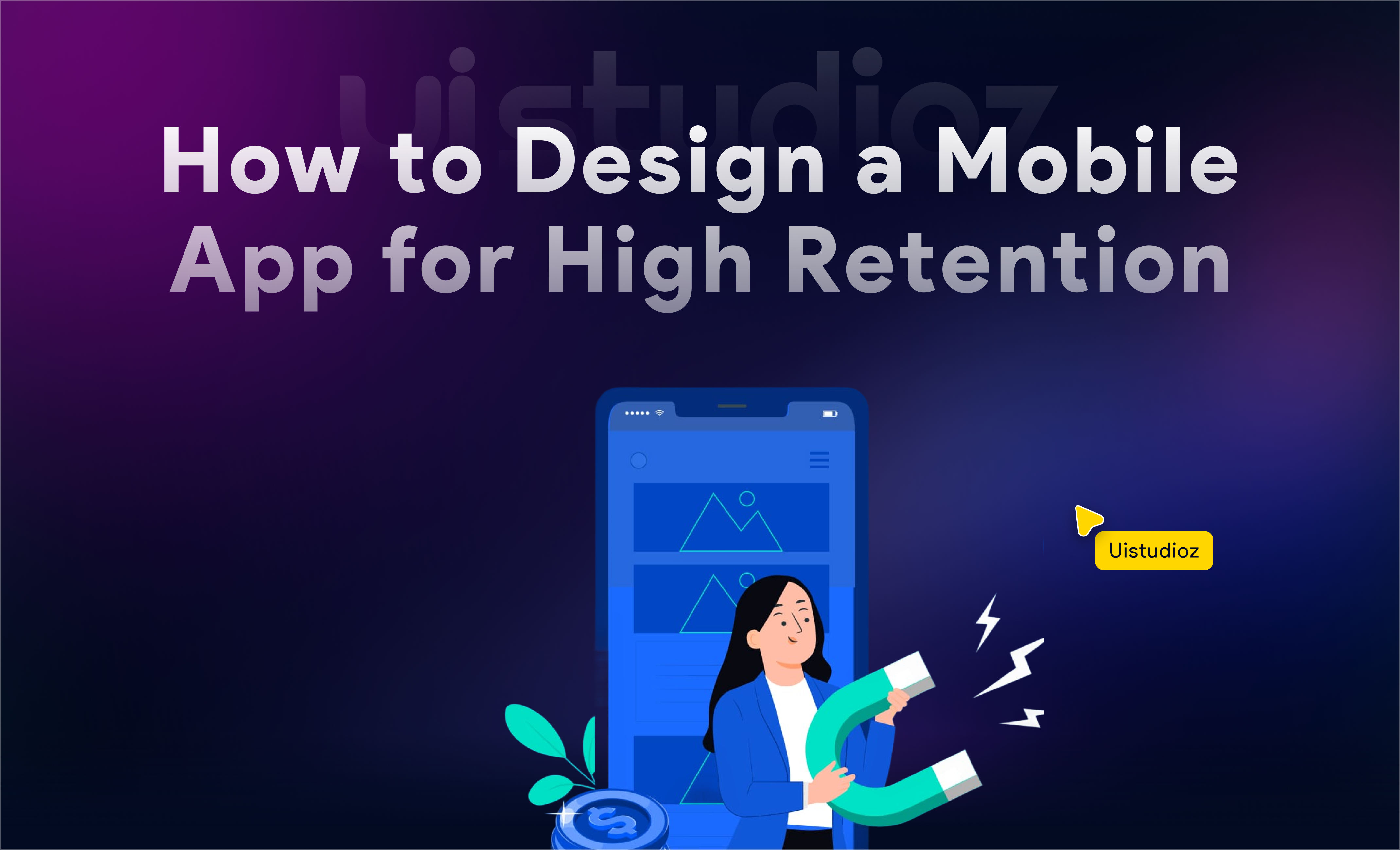
Here is a hard truth. Most apps get downloaded and then deleted within days.
Research shows that 77% of users abandon an app within 72 hours of installing it. The reason is rarely a missing feature. It is almost always bad design.
If you are wondering how to design a mobile app that people actually keep, use, and recommend, the answer starts with understanding one thing. Great design is not decoration. It is the engine behind engagement, retention, and revenue.
This beginner guide to app design walks you through the entire mobile app design process, step by step. Whether you are a startup founder, a product manager, or a developer exploring app design for startups, this guide gives you a practical, proven framework for building apps users genuinely love.
Here is what we will cover: strategy, user research, UX design, UI design, performance, onboarding, testing, and the most common mobile app design mistakes to avoid.
Let us begin.
Start With Strategy, Not Screens
The biggest mistake teams make? Jumping straight into Figma before defining what the app should actually do.
1. Define the Core Problem
Every successful app solves a specific problem. Before sketching a single screen, ask:
- What pain point are you solving?
- Who exactly experiences this pain?
- How are they solving it today (and why is that inadequate)?
This is the foundation of user-centered mobile app design. If you cannot describe the problem in one sentence, you are not ready to design yet.
Pro tip: Interview 10–15 potential users before writing a single requirement. The patterns you discover will save months of redesign later.
2. Market & Competitor Research
Analyze your top 5 competitors. Download their apps. Use them daily for a week. Document:
- What they do well (navigation, onboarding, core flow)
- Where they frustrate users (check their 1-star reviews)
- Gaps and opportunities they have missed
This research directly informs the features users want in mobile apps that competitors are failing to deliver.
3. Define Clear App Goals
Before designing, align your team on three types of goals:
| Goal Type | Example |
| Engagement | Users complete core action within first session |
| Retention | 40% of users return within 7 days |
| Business | 5% free-to-paid conversion within 30 days |
These goals shape every design decision you make. They are also key to understanding how to create a successful mobile app that drives real mobile app design for business growth.
Understand Your Users Deeply
Design without user research is guessing. And guessing is expensive.
1. Create User Personas
Build 2–3 detailed personas based on real data, not assumptions. Each persona should include:
- Demographics: Age, location, device preference, tech comfort level
- Behavior patterns: When and where they use apps like yours
- Motivations: What success looks like for them
- Frustrations: What makes them uninstall apps
Understanding why users uninstall mobile apps is just as important as knowing what keeps them.
2. Map the User Journey
App user journey mapping traces the complete path a user takes:
Awareness → Download → Onboarding → Core Action → Retention → Advocacy
At each stage, identify:
- What the user expects
- What could go wrong (friction points)
- What would delight them
At UIStudioz, we have found that teams who map user journeys before wireframing reduce post-launch redesign work by 40–60%. This is one of the most overlooked mobile app UX principles.
Need expert help mapping your user journey? Our UI/UX design team specializes in research-driven design that converts.
Design the User Experience (UX) First
This is where your mobile app UX design guide truly begins. UX comes before UI, always.
1. Information Architecture
Information architecture (IA) is how you organize content and features so users find what they need without thinking.
App navigation design best practices:
- Limit primary navigation to 4–5 items maximum
- Use familiar patterns (tab bars, hamburger menus where appropriate)
- Reduce cognitive load by grouping related actions
- Follow the “3-tap rule” — users should reach any core feature within 3 taps
Simple navigation is the single biggest factor in how to design user-friendly apps.
2. Wireframing & Flow Planning
Start with low-fidelity wireframes. Pen and paper works. So does Balsamiq or Figma’s wireframe kit.
Your mobile app wireframing guide in 4 steps:
- Sketch the core user flow (the one action that defines your app)
- Map secondary flows (settings, onboarding, error states)
- Validate flows with 3–5 real users before adding any visual design
- Iterate based on feedback
This mobile app prototyping process saves teams from building beautiful screens that nobody can actually use.
3. Microinteractions That Delight
Microinteractions are small animations and feedback states that make apps feel alive:
- A subtle vibration when a task is completed
- A progress bar during uploads
- A gentle bounce when pulling to refresh
These details separate good apps from apps users love. They are a core part of intuitive mobile app design.
Craft a Visually Stunning UI
Once UX is validated, it is time for visual design. Here are the mobile app UI design tips that matter most.
1. Visual Hierarchy
Guide the user’s eye intentionally:
- Typography: Use 2 fonts maximum. Establish clear heading, body, and caption sizes.
- Spacing: Generous white space reduces overwhelm and improves readability.
- Color psychology: Blue builds trust. Red creates urgency. Green signals success. Choose your palette with purpose.
2. Consistency & Design Systems
Build a component library from day one. This includes buttons, input fields, cards, modals, and icons that follow consistent rules.
Scalable UI patterns ensure your app looks cohesive whether it has 5 screens or 50. This is one of the most practical mobile app design best practices for growing products.
Best tools for mobile app design:
- Figma: Collaborative, cloud-based, industry standard. Great for Figma mobile app design tutorial workflows.
- Adobe XD: Strong prototyping features for designing apps in Adobe XD.
- Sketch: Popular for iOS-focused teams.
3. Platform-Specific Guidelines
Do not design one UI for both platforms. Each has distinct expectations:
- iOS app design guidelines: Follow Apple’s Human Interface Guidelines. Use SF Pro fonts, standard tab bars, and system-consistent gestures.
- Android app design guidelines: Follow Google’s Material Design 3. Embrace FABs (Floating Action Buttons), bottom sheets, and dynamic color theming.
Users notice when an app feels “wrong” on their platform. Respecting these conventions is essential for mobile app usability tips that actually work.
Looking for platform-specific design expertise? Explore our mobile app design services built for iOS and Android.
Focus on Performance & Usability
1. Speed & Responsiveness
- Target under 2-second load times for every screen
- Use skeleton screens instead of blank loading states
- Optimize image assets and lazy-load non-critical content
Speed is not a technical detail. It is a UX decision. How UX impacts app success is directly tied to how fast your app feels.
2. Accessibility Matters
Accessible design is not optional. It is smart business.
- Maintain 4.5:1 contrast ratios for text
- Ensure touch targets are at least 44×44 points
- Support screen readers and dynamic text sizing
- Design for one-handed use on larger devices
These inclusive design principles also improve usability for every user, not just those with disabilities.
Build an Onboarding Experience Users Enjoy
Onboarding is your first impression. Make it count.
Three rules for onboarding that work:
- Reduce friction: Minimize required fields. Offer social login. Delay sign-up until after the user sees value.
- Show value fast: Let users experience the core benefit within 60 seconds.
- Use progressive onboarding: Teach features in context, not all at once through tutorial slides nobody reads.
Poor onboarding is one of the top reasons why users uninstall mobile apps. Getting this right is critical for mobile app retention strategies and how to increase app user engagement.
Test, Validate & Improve
1. Usability Testing
You are not your user. Test with real people.
- Moderated tests: Watch 5 users complete key tasks. You will find 85% of usability issues.
- Unmoderated tests: Use tools like Maze or UserTesting for scale.
- A/B testing: Test onboarding flows, button placements, and CTA copy to optimize designing apps for better conversion.
2. Track Key UX Metrics
| Metric | What It Tells You |
| Conversion rate | Are users completing desired actions? |
| Retention rate (Day 1, 7, 30) | Are users coming back? |
| Session duration | Are users engaged? |
| Task completion rate | Can users do what they came to do? |
These metrics close the loop between design decisions and business outcomes. This is exactly how to make an app easy to use through data, not assumptions.
Common Mobile App Design Mistakes to Avoid
After designing 200+ apps, here are the common mobile app design mistakes we see repeatedly:
- Overcomplicating navigation — Too many menu items, hidden features, confusing hierarchy
- Ignoring user feedback — Shipping based on internal opinions instead of user data
- Designing for aesthetics only — Beautiful apps that are frustrating to use
- Poor onboarding — Forcing account creation before showing value
- Skipping platform guidelines — Making an iOS app feel like Android (or vice versa)
- No loading or error states — Users stare at blank screens and leave
Avoiding these mistakes is the fastest path to how to design an app that users love.
Final Checklist: Designing an App Users Actually Love
Use this mobile app design checklist before every launch:
- Clear value proposition communicated within 10 seconds
- Simple, intuitive navigation (4–5 primary items max)
- Fast performance (under 2-second loads)
- Platform-specific UI (iOS and Android guidelines followed)
- Accessible design (contrast, touch targets, screen reader support)
- Frictionless onboarding (value before sign-up)
- Microinteractions and feedback states
- Usability tested with real users
- Key metrics tracked and reviewed weekly
- Continuous optimization plan in place
Conclusion
Great apps are not built around feature lists. They are built around people.
The mobile app design process is not linear. It is a cycle of research, design, testing, and iteration. The teams that win are the ones who treat design as a continuous growth driver, not a one-time project.
Whether you are building your first app or redesigning an existing one, remember: every screen is a conversation with your user. Make it clear. Make it fast. Make it worth their time.
That is how to design an app that users love.
Ready to design a mobile app users will not want to delete?
At UIStudioz, we combine research-driven UX with stunning UI to build apps that engage, retain, and convert. From startups to enterprises, we have helped 200+ teams turn ideas into products people love. Talk to our design team today and let us build something your users will thank you for.
How do I design a mobile app as a beginner?
Start with user research, create wireframes, validate your flows, then move to visual design. Follow this step-by-step mobile app design guide and use tools like Figma to prototype.
What makes a mobile app user-friendly?
Simple navigation, fast load times, clear visual hierarchy, and intuitive interactions. These are the core mobile app UX principles.
What are the best tools for mobile app design?
Figma, Adobe XD, and Sketch are industry standards. Figma is the most popular for collaborative mobile app interface design ideas.
Why do users uninstall mobile apps?
Poor performance, confusing navigation, aggressive notifications, and forced sign-ups are the top reasons.
How does UX impact app success?
Apps with strong UX see higher retention, better conversion rates, and more organic referrals. UX is directly tied to revenue.
What is the difference between UI and UX in app design?
UX defines how the app works (flows, structure, usability). UI defines how it looks (colors, typography, visual style). Both matter equally.
How can I increase app user engagement?
Personalize the experience, simplify core flows, use push notifications wisely, and continuously test based on user behavior data.
What are the iOS and Android design differences?
iOS follows Apple’s Human Interface Guidelines (emphasis on clarity and depth). Android follows Material Design (emphasis on bold graphics and motion).
How often should I update my app’s design?
Review UX metrics monthly. Plan design iterations quarterly. Major redesigns should happen based on data, not trends.
Can good design help my startup grow?
Absolutely. Design is a growth driver. It reduces churn, increases conversions, and builds brand trust. Mobile app design for business growth is not a luxury — it is a strategy.